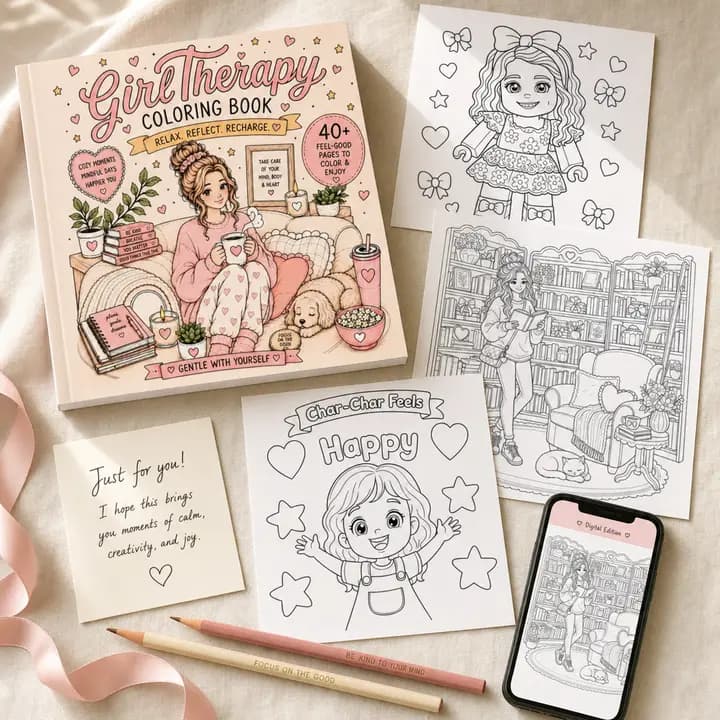
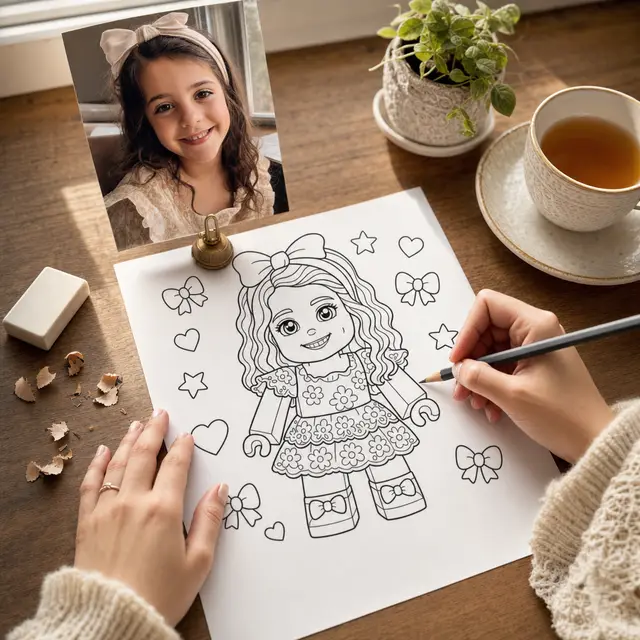
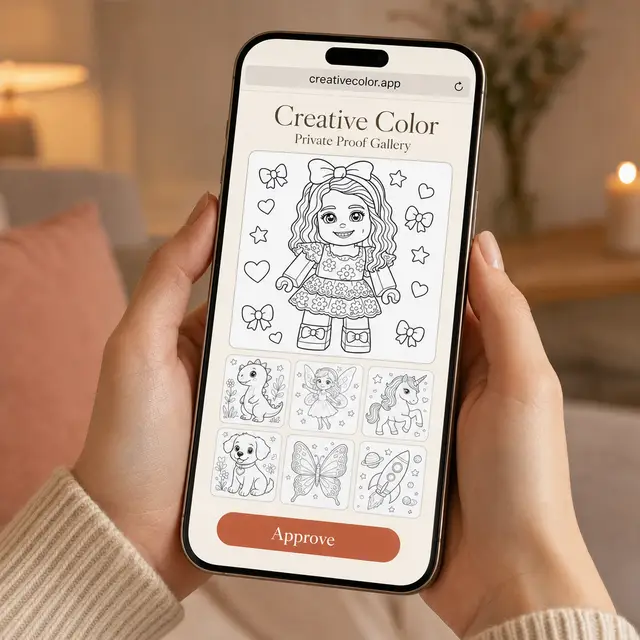
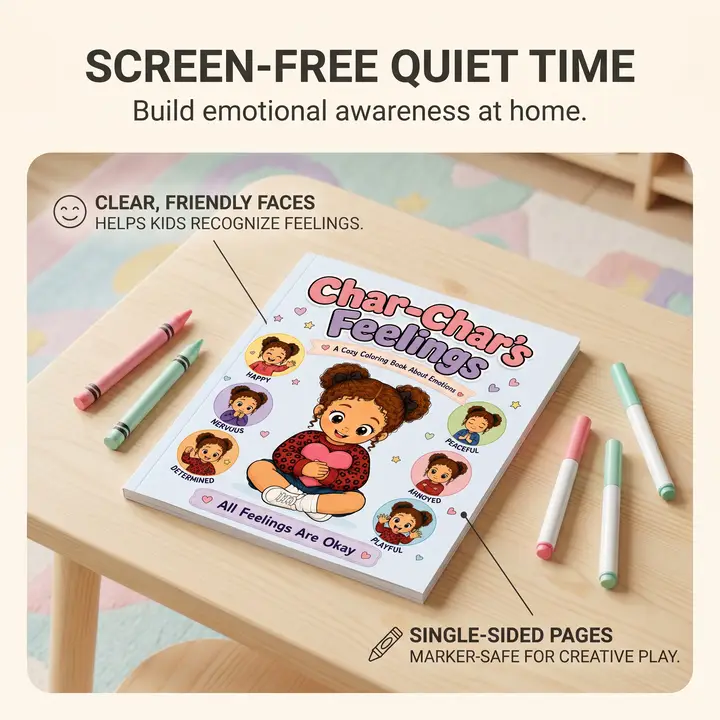
KDP coloring book workflow

Create KDP-ready coloring books from outline to export

Plan your book, generate editable page prompts, revise images page by page, track Ready for Print and Needs Fixes, and export a print-ready KDP PDF from one guided workflow.

15 trial generations. KDP export unlocks on paid plans.

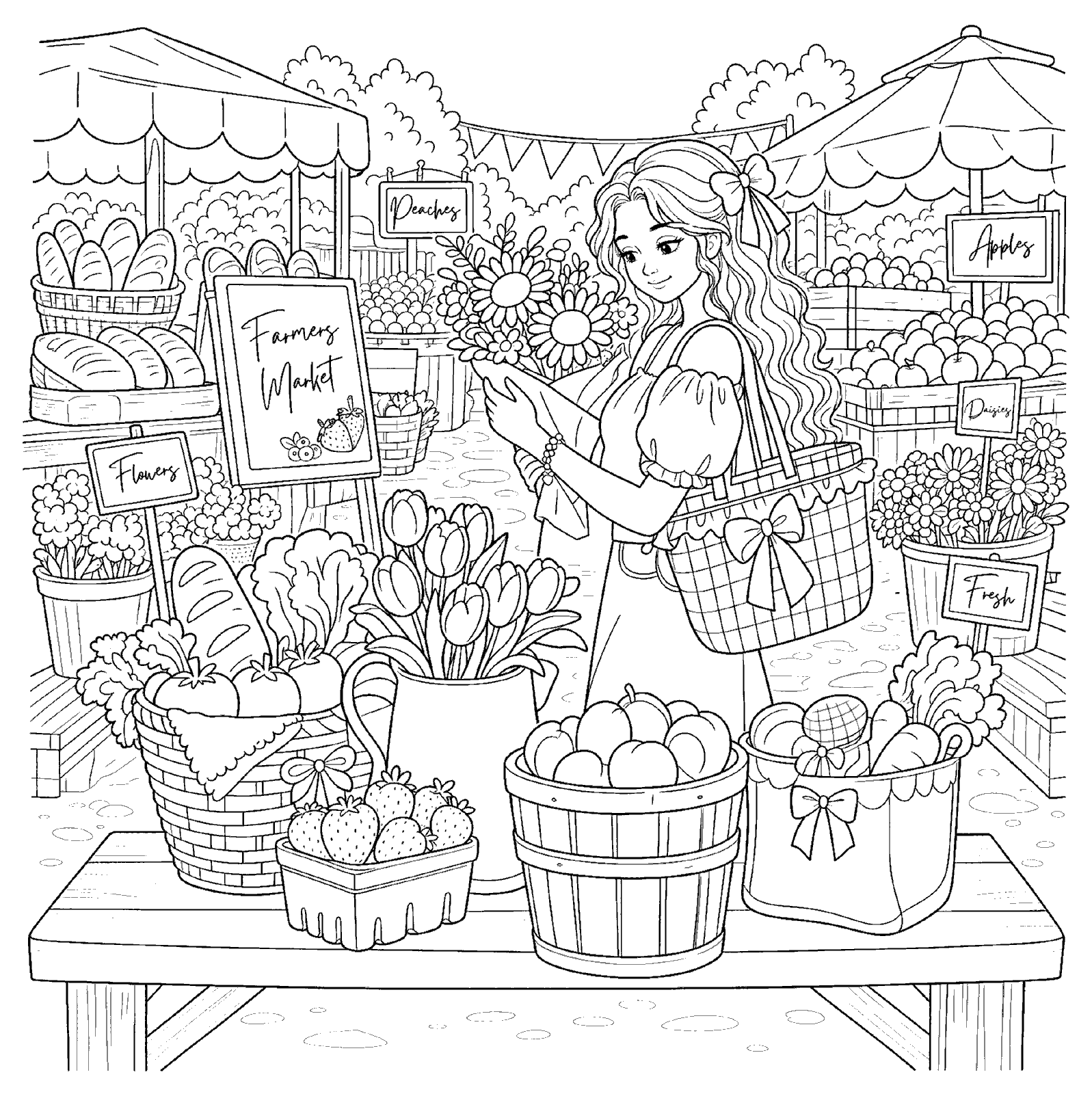
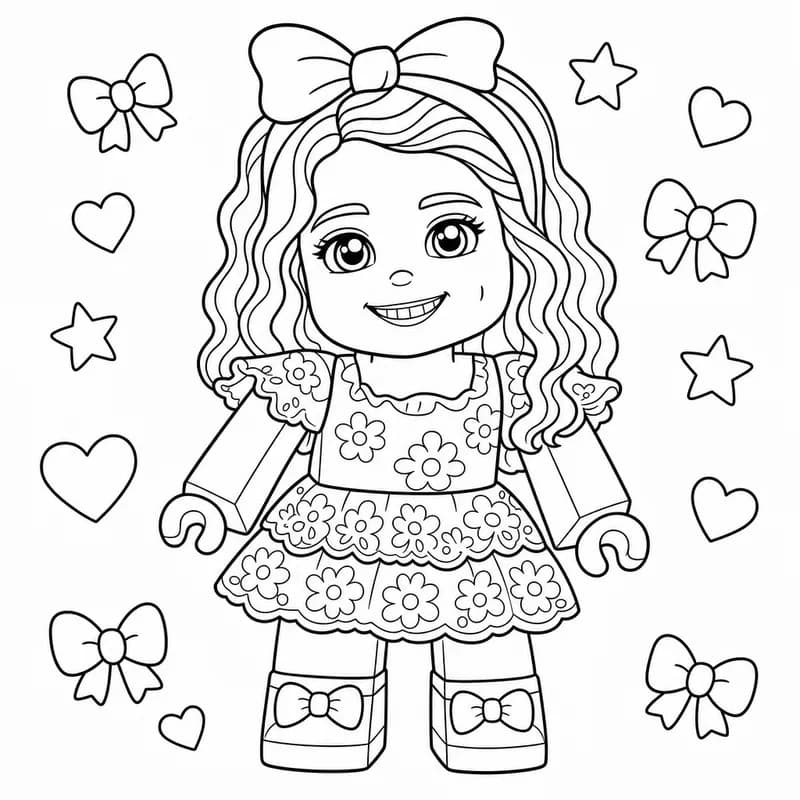
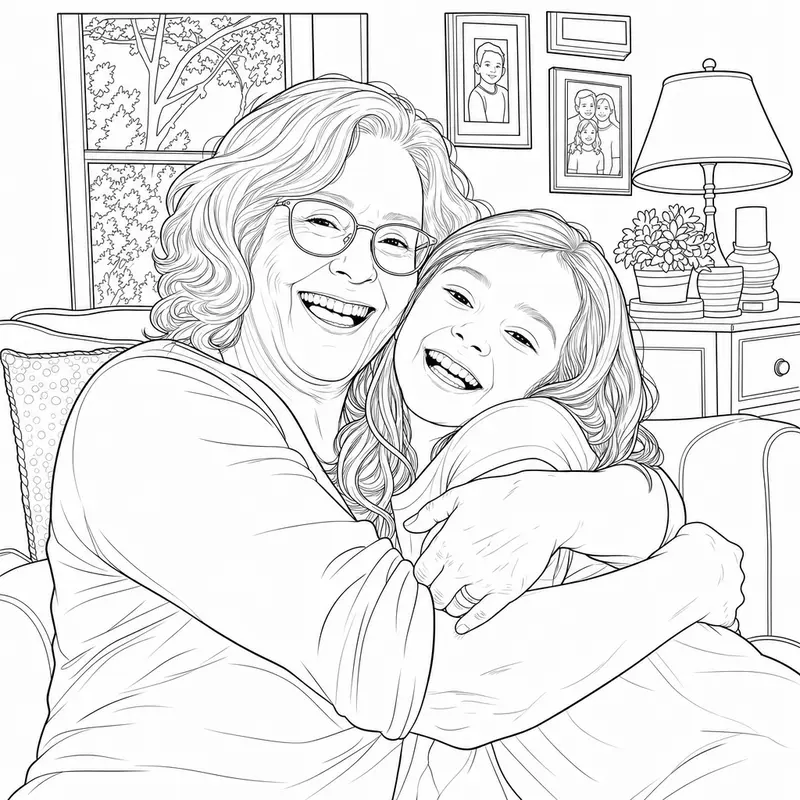
Cozy monster coloring book sample pages with black-and-white line art and one fully colored example
2 line-art pages
1 colored example

Show the outcome first, then manage every page through the outline workflow.

Example output

Make the book feel real before spending a full project of production attempts.

Start with a theme like cozy monsters, review the outline, then generate page candidates that are easy to revise, choose, and mark Ready for Print.

Cozy Monster Line Art generated by Coloring Book Studio
Ready line art

Cozy Monster Line Art

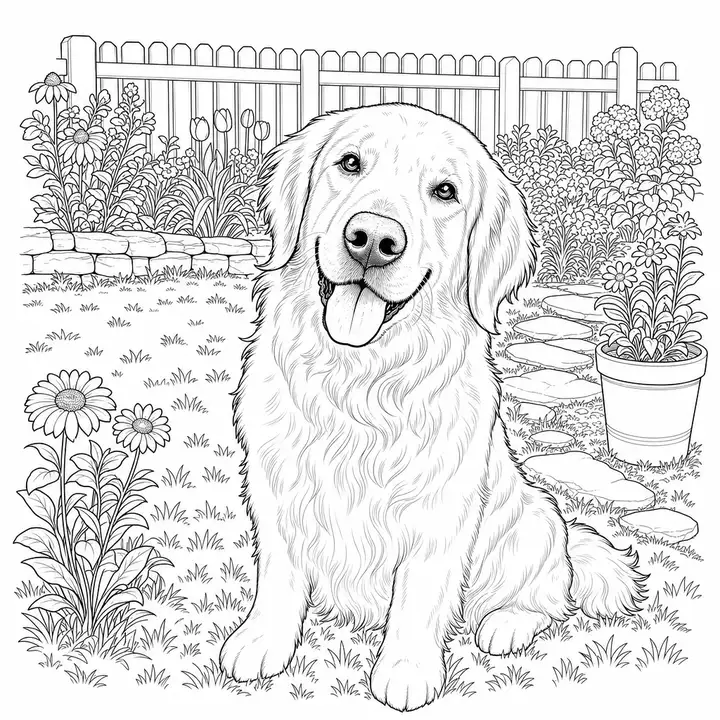
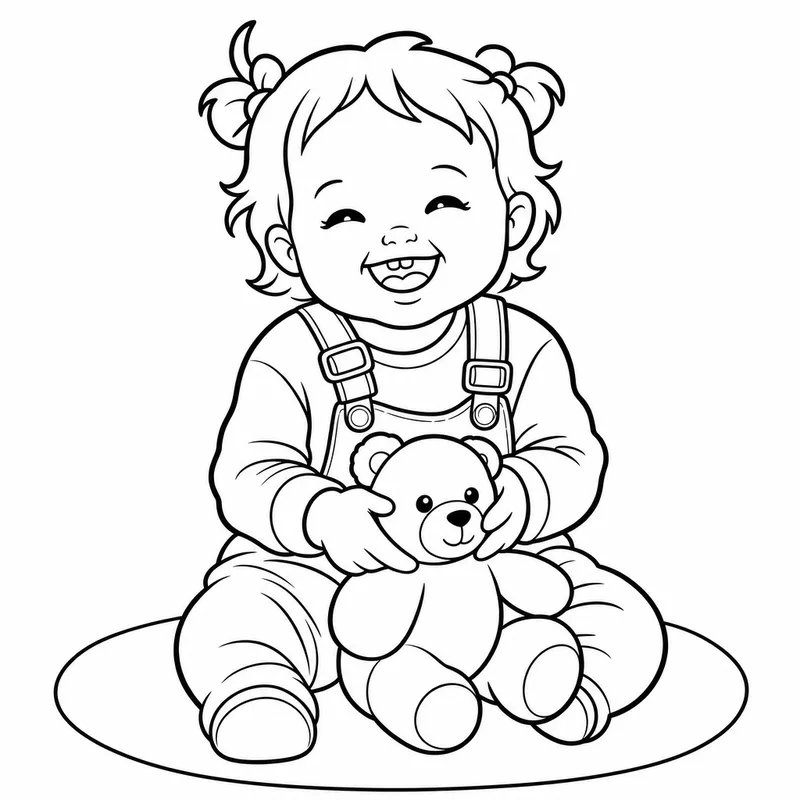
A printable black-and-white page with large, colorable spaces and crisp closed outlines.

Accessory Pattern Page generated by Coloring Book Studio
Outline scaffold

Accessory Pattern Page

A second page direction showing how a theme can become a full-page motif set.

Colored Example generated by Coloring Book Studio
Finished color idea

Colored Example

A vibrant example of how the final coloring-book experience can feel after coloring.

Outline-first workflow

Stop managing books across prompts, folders, spreadsheets, and PDF tools.

Coloring Book Studio keeps every page connected to the book plan, so you can revise intentionally instead of managing scattered generations.

1

Create the book plan

Enter the theme, audience, style rules, avoid list, page count, and references before any production attempts are spent.

2

Review the editable outline

AI creates page titles, descriptions, prompts, negative prompts, and QA rules that you can edit page by page.

3

Generate, revise, choose

Work one page at a time, upload reference screenshots, preserve what works, and choose the current image for export.

4

Export for KDP

Build an 8.5 x 8.5 no-bleed interior from pages you have marked Ready for Print.

Why it works

Built for controlled production, not one-click chaos.

Most AI tools create disconnected images. Coloring Book Studio starts with the book structure first, then helps you generate, revise, and prepare each page against that plan.

Editable page prompts before generationPer-page revision notes and reference uploadsReady for Print and Needs Fixes trackingPhotoshop/manual cleanup notesKDP export blockers before downloadHard generation quotas to control cost

Quality gates

Review every page before export.

Generate a page, revise that exact version, upload examples or corrected art, add Photoshop notes, and mark only finished pages Ready for Print.

Export readiness checks

All required pages Ready for PrintFix notes visible as warnings8.5 x 8.5 no-bleed interiorChosen images only

Launch pricing

Start with a real workflow, not an unlimited promise.

Publisher is the recommended managed plan for sellers creating KDP-ready books. Indie BYO is available for publishers who want a lower app fee and will manage OpenAI billing themselves.

BYO OpenAI key

Indie BYO Key

$29/mo

For indie publishers who already manage their own OpenAI billing.

  • Bring your own OpenAI API key
  • 0 included platform attempts
  • 3 active books
  • 2 KDP-ready exports/month
  • 1 seat
Start Indie BYO

1 KDP export

Publisher

$149/mo

Create 1 KDP-ready coloring book per month.

  • 225 platform production attempts/month
  • 1 KDP-ready export/month
  • 2 active books
  • 7-day trial with 15 real attempts
  • Revision history and fix notes
Start Publisher Trial

2 KDP exports

Catalog Builder

$299/mo

Build a small KDP publishing catalog.

  • 500 platform production attempts/month
  • 2 KDP-ready exports/month
  • 6 active books
  • 3 seats
  • Workspace production tracking
Start Catalog Builder Trial

5 KDP exports

Agency / Publisher Desk

$599/mo

Higher-volume publishing with priority queue and support.

  • 1,250 platform production attempts/month
  • 5 KDP-ready exports/month
  • 12 active books
  • 5 seats
  • Priority queue/support
Start Agency / Publisher Desk

Questions

Clear expectations before signup.

Is this just another AI image generator?

No. General AI tools can create images. Coloring Book Studio manages the full book workflow: outline, prompts, revisions, chosen images, fix notes, and print readiness.

Does the trial include unlimited image generation?

No. Trials include 15 real generations, one active book project, and no KDP-ready export until a paid plan is active.

Can I edit the AI outline before creating images?

Yes. That is the point of the workflow. The outline is editable, and each page has its own title, description, image prompt, negative prompt, and rules.

What makes the export KDP-ready?

The export workflow uses chosen images only, targets an 8.5 x 8.5 no-bleed black-and-white interior, and blocks final export until every required page is marked Ready for Print.

Create your first editable book outline.

Start with the structure, then generate only the pages you are ready to review.

Start 7-day trial